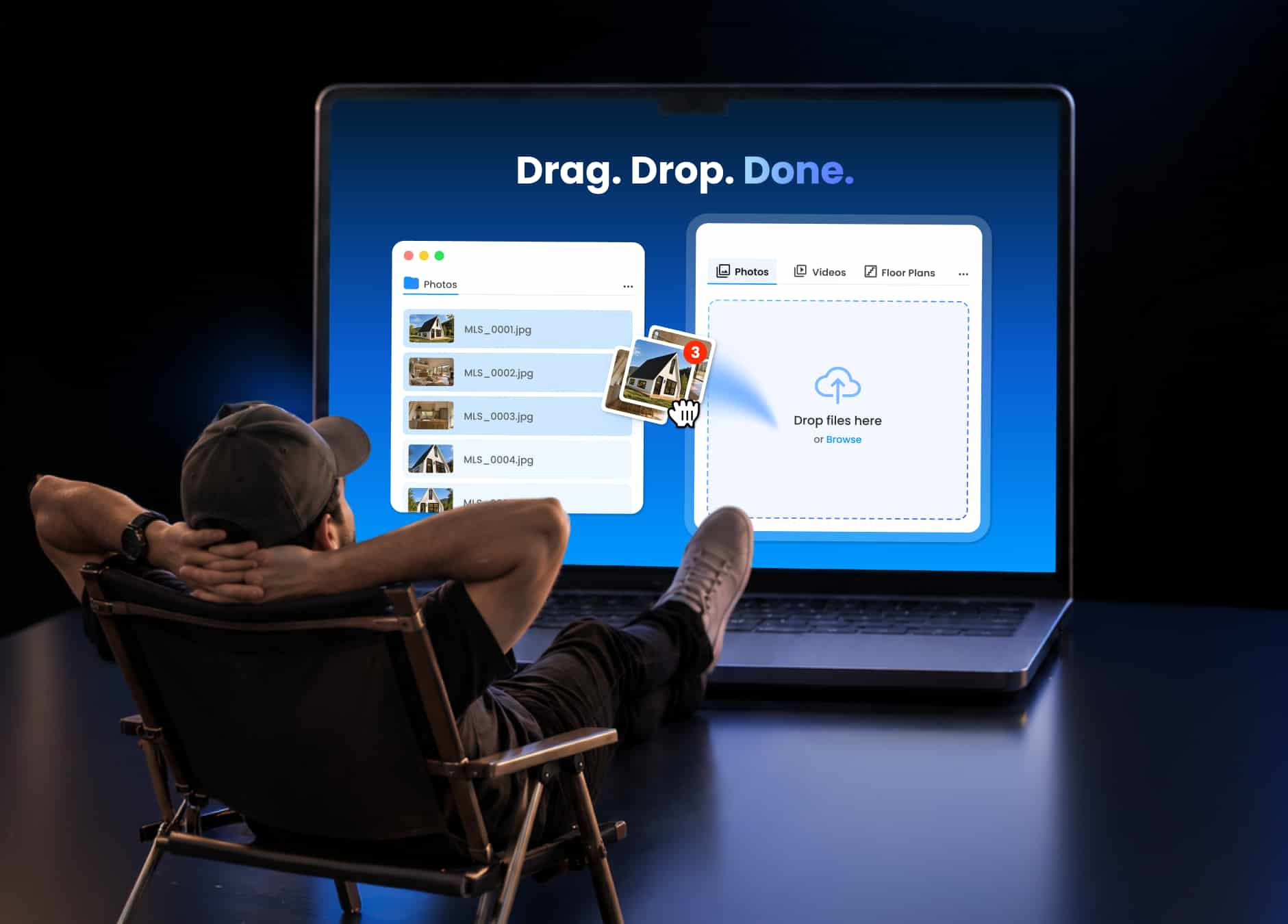
Deliver Real Estate Photos Without Dropbox


If a real estate photographer has been in the business for a while, this workflow probably looks familiar:
Shoot → edit → download the finished photos → upload to Dropbox → organize the files → send the link to the client.
None of these steps is particularly difficult on its own. The problem is repeating them across every project. When a property involves hundreds of photos, even a few extra steps can add up quickly. If a step doesn't change the final deliverable, it's worth asking why it needs to be there at all.
Direct Upload, a feature built into Tonomo, provides a way to deliver finished real estate photos without downloading the edited images and uploading them to Dropbox again.
Key takeaways
- Tonomo's Direct Upload lets real estate photographers upload finished photos, videos, floor plans, and other listing files straight into the Tonomo project, without downloading the edits and uploading them to Dropbox again.
- After uploading, one click in Tonomo generates a listing link that the photographer can review and send straight to the client.
- Clients can view a Tonomo delivery gallery through a shareable link, without creating a Tonomo account.
- Dropbox and Google Drive add manual steps to photo delivery that do not change the final deliverable, while Tonomo's Direct Upload keeps the gallery editable in place, so reordering a few images does not mean re-uploading the whole set.
- Direct Upload is included in the Tonomo subscription, alongside bookings, scheduling, editing, delivery, and payments in one platform.
Upload Directly to Tonomo
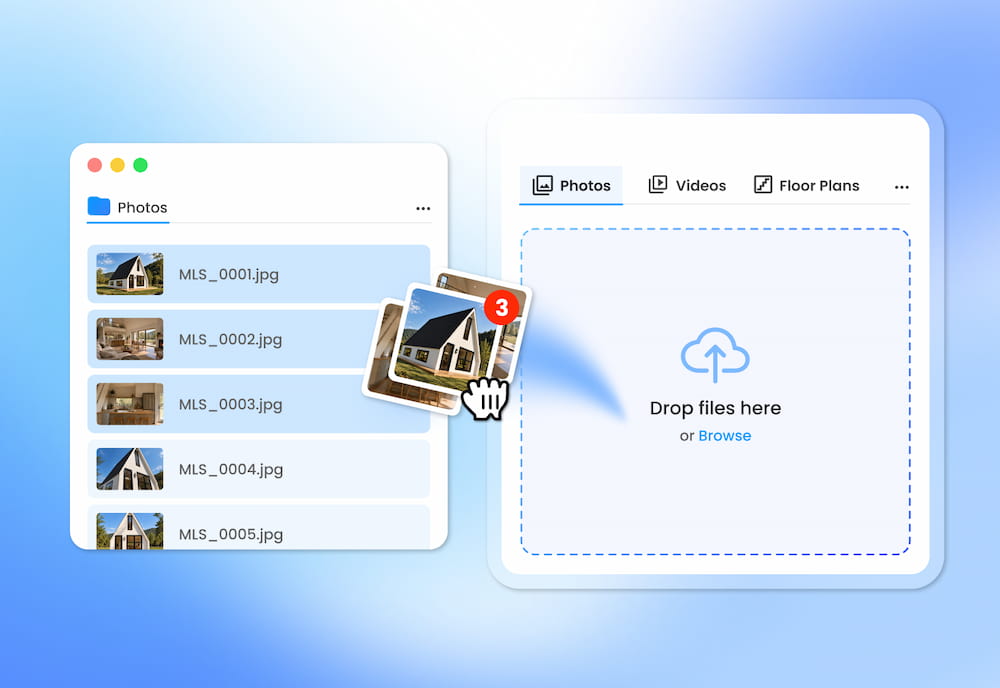
With Direct Upload, photographers can upload listing media straight into the project they are working on. The files go directly into the project where the rest of the work is already being managed.
Photos, videos, floor plans, and other project files can be uploaded directly from the computer.
There is no need to:
- Upload everything to Dropbox first.
- Create another folder just to move files around.
- Download and upload the same files again.
- Move between multiple platforms just to get finished work ready for delivery.
The photographer opens the listing, selects the files, and uploads them directly to Tonomo.
From there, the finished photos can be organized into a client-ready gallery and shared with the client.
Not Just for Photos
A real estate listing can involve more than just photos:
- Property photos
- Videos
- Drone footage
- Floor plans
- 3D tours
- Other project files
With Direct Upload, all of these files can be uploaded directly into the Tonomo listing from the computer.
Instead of remembering which Dropbox folder, Google Drive, or computer a file is sitting in, the workflow can start from the listing itself.
Why Dropbox Isn't Always the Best Way to Deliver Finished Work
Dropbox and Google Drive can add an extra round of work to the delivery process, especially when the gallery needs to be rearranged before it goes to the client.
Both are familiar tools for storing and sharing photos. There is nothing wrong with using them. The issue comes when an editor has already prepared the gallery, but the photographer wants to make a few changes before sending it to the client.
Maybe a few photos are in the wrong order. Maybe the photographer wants to rearrange the gallery to better reflect the way the property was shot or how the photos should be presented to the client.
Fixing that order in Dropbox takes five steps:
- Download the edited photos.
- Rearrange or organize the images.
- Upload the photos again.
- Rebuild the gallery and check that everything is there.
- Send a new link to the client.
For a project with only a few dozen photos, this may not be a big issue. But for projects with hundreds or even thousands of images, these repeated steps can make the workflow more complicated than it needs to be.
The issue isn't Dropbox itself. Tonomo's Direct Upload keeps the gallery editable in place, so changing the order of a few images does not mean downloading and uploading the whole set again.
And delivery is more than simply sending a folder of files. Tonomo lets photographers lock payment, deliver a professional branded gallery, and give clients a polished experience from the moment they open the link.
The result: fewer file movements, less manual work, and a better-looking delivery experience for the client.
A Better Real Estate Photo Delivery Workflow
Deliver Professional Work Without the Extra Dropbox Step
Once editing is complete, the finished photos can be dragged and dropped directly into Tonomo instead of being downloaded, uploaded to Dropbox, and organized again for delivery.
A typical workflow might look like this:
| Before | After | |
|---|---|---|
| Workflow | Edit → Dropbox → Download → Upload to Tonomo → Deliver | Edit → Upload to Tonomo → Deliver |
| Storage | Requires a Dropbox subscription | No separate storage step required |
| File transfers | Upload once, download once, upload again | One upload |
| Tracking | Finished files can sit in more than one place | One place to check |
The extra step may seem small on a single project, but it gets repeated on every listing. Across dozens of properties, Direct Upload removes one repetitive task from every delivery.
Bookings, Schedules, Editing, Delivery, and Payments in One Platform
Real estate photographers usually run bookings, schedules, editing, delivery, and payments across different tools. Bookings might come through email or messages. Shooting schedules are managed in Google Calendar. Deposits are tracked in Google Sheets. Photos are sent through Dropbox or Google Drive, and the photographer waits for the client to confirm which images need editing.
There is nothing inherently wrong with this setup. Most photographers build their workflow around the tools that work for them.
The problem starts when too many parts of the same project are spread across different platforms. Every handoff means another place to update information, another set of files to keep track of, and another opportunity for something to get missed.
As a business grows, the challenge is not just having more projects. It is keeping track of where each project is, what has been done, and what still needs attention.
Tonomo brings bookings, scheduling, editing, delivery, and payments into a single platform.
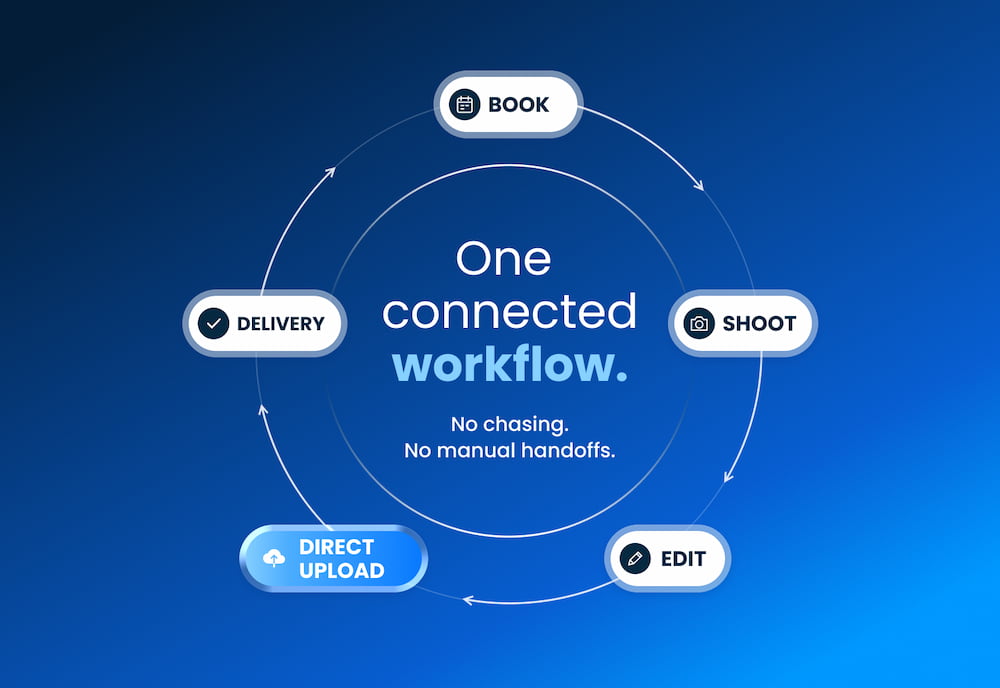
Inside Tonomo, each part of the workflow has a clear role:
- Bookings: track projects and booking details.
- Scheduling: manage shooting schedules and team assignments.
- Editing: manage photo editing workflows.
- Delivery: create photo galleries and send finished work to clients.
- Payments: keep track of client payments.
Photographers do not necessarily need to replace every tool they already use. The bigger opportunity is to reduce the number of handoffs between them.
What Is Already Included in the Tonomo Subscription
Direct Upload is included in the Tonomo subscription, so client delivery does not require paying for a separate tool.
Using separate tools for different parts of the business is normal. But when several tools are handling different pieces of the same workflow, the costs can add up.
If project management, photo editing, gallery creation, and client delivery are already available within one platform, there may not be much reason to pay for another tool just to handle the last step.
How Does Direct Upload Work in Tonomo?
Step 1: Upload the Edited Photos
The photographer opens the project in Tonomo and uploads the finished photos directly from the computer.
Step 2: Generate the Listing Link
One click in Tonomo turns the uploaded photos into a listing link, ready to share.
Step 3: Review and Send to the Client
The photographer opens the listing link, reviews the photos, and sends the same link to the client once everything looks right.
Direct Upload is now available in Tonomo. Photographers who already edit in Tonomo can move from editing to delivery without uploading the finished set again.
Frequently Asked Questions
Do I have to pay extra to use Direct Upload?
Direct Upload is an integrated feature available to Tonomo subscribers, so there is no additional fee if the service is already included in the existing subscription.
Does Direct Upload work with photos edited by different editing services?
Yes. Direct Upload starts after the editing process is complete, so the photos can be edited using the workflow or editing service already used by the photography business. Once the finished photos are uploaded, one click in Tonomo generates a listing link to send to the client.
Does the client need to create an account on Tonomo to view the photos?
No. The client does not need to create an account on Tonomo to view the photos. The photographer sends the photo gallery link to the client, similar to sharing photos through Dropbox, and the client can view the photos directly from the link.
Can I create a photo gallery for each client?
Yes. A separate photo gallery can be created for each client, making it easier to organize and deliver the photos.
What is Tonomo's Direct Upload?
Tonomo's Direct Upload lets real estate photographers upload edited photos and other finished listing files, including videos and floor plans, directly into Tonomo from the computer, skipping the download-then-upload-again step. From there, the photographer can go straight to creating a photo gallery and delivering the photos to the client. Direct Upload removes the extra upload between editing and delivery.
Related Articles